DeepSeek Function calling响应模式介绍
课程说明:
- 体验课内容节选自《2025大模型Agent智能体开发实战》(春季班) 完整版付费课程
体验课时间有限,若想深度学习大模型技术,欢迎大家报名由我主讲的《2025大模型Agent智能体开发实战》(春季班)

《2025大模型Agent智能体开发实战》(春季班) 为【100+小时】体系大课,总共20大模块精讲精析,零基础直达大模型企业级应用!

重磅新增DeepSeek+QwQ+OpenAI responses API+MCP技术应用与智能体开发相关实战内容:

此外,若是对大模型底层原理感兴趣,也欢迎报名由我和菜菜老师共同主讲的《2025大模型原理与实战课程》(3月班)

两门大模型课程春季班目前上新特惠中,立减2000起,合购还有更多优惠哦~详细信息扫码添加助教,回复“大模型”,即可领取课程大纲&查看课程详情👇

DeepSeek智能体开发实战
Part 3.DeepSeek Function calling响应模式介绍
import os
import openai
import glob
import shutil

import numpy as np
import pandas as pd
import pymysql

import json
import io
import inspect
import requests
import re
import random
import string
import base64

from bs4 import BeautifulSoup
import dateutil.parser as parser
import tiktoken
from lxml import etree

import sys
from dotenv import load_dotenv
from openai import OpenAI

import matplotlib
import matplotlib.pyplot as plt
import seaborn as sns
from IPython.display import display, Code, Markdown, Image
from IPython import get_ipython
1.parallel_tool_use模式测试
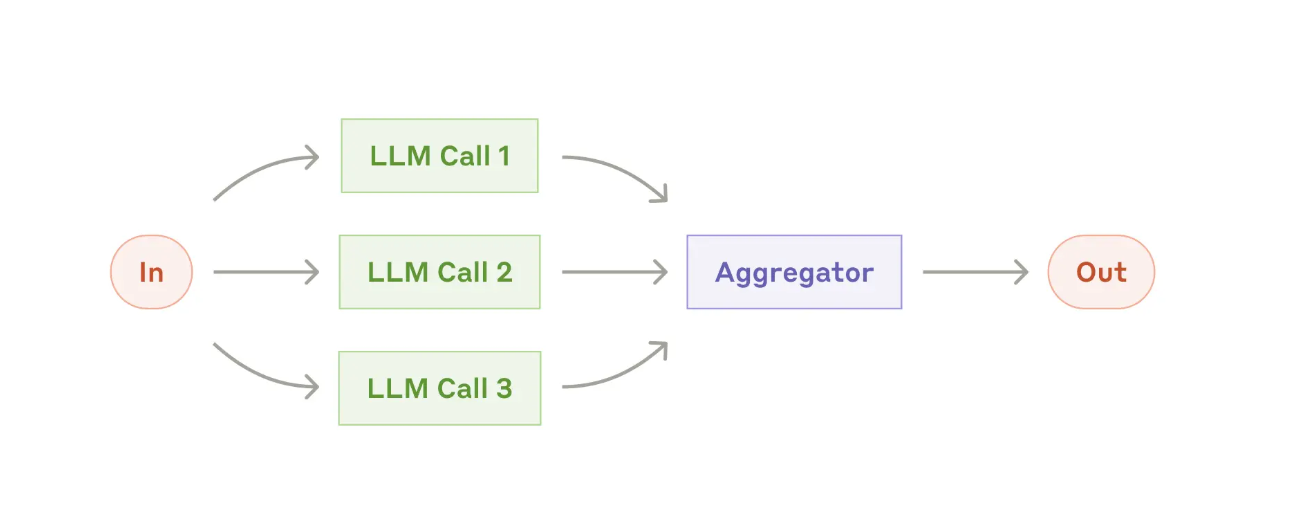
def get_weather(loc):
    """
    查询即时天气函数
    :param loc: 必要参数,字符串类型,用于表示查询天气的具体城市名称,\
    注意,中国的城市需要用对应城市的英文名称代替,例如如果需要查询北京市天气,则loc参数需要输入'Beijing';
    :return:OpenWeather API查询即时天气的结果,具体URL请求地址为:https://api.openweathermap.org/data/2.5/weather\
    返回结果对象类型为解析之后的JSON格式对象,并用字符串形式进行表示,其中包含了全部重要的天气信息
    """
    # Step 1.构建请求
    url = "https://api.openweathermap.org/data/2.5/weather"

    # Step 2.设置查询参数
    params = {
        "q": loc,
        "appid": os.getenv("OPENWEATHER_API_KEY"),    # 输入API key
        "units": "metric",            # 使用摄氏度而不是华氏度
        "lang":"zh_cn"                # 输出语言为简体中文
    }

    # Step 3.发送GET请求
    response = requests.get(url, params=params)

    # Step 4.解析响应
    data = response.json()
    return json.dumps(data)
get_weather(loc="Beijing")
available_functions = {
            "get_weather": get_weather,
        }
tools = [
    {
        "type": "function",
        "function":{
            'name': 'get_weather',
            'description': '查询即时天气函数,根据输入的城市名称,查询对应城市的实时天气,一次只能输入一个城市名称',
            'parameters': {
                'type': 'object',
                'properties': {
                    'loc': {
                        'description': "城市名称,注意,中国的城市需要用对应城市的英文名称代替,例如如果需要查询北京市天气,则loc参数需要输入'Beijing'",
                        'type': 'string'
                    }
                },
                'required': ['loc']
            }
        }
    }
]
messages2=[
    {"role": "user", "content": "请问北京和杭州今天天气如何?"}
]
response2 = client.chat.completions.create(
    model=MODEL,
    messages=messages2,
    tools=tools,
)
response2.choices[0].message
response2.choices[0].message.tool_calls
function_call_messages = response2.choices[0].message.tool_calls
function_call_messages
response2.choices[0].message.model_dump()
创建create_function_response_messages函数,一次性构建完整回复:
messages2=[
    {"role": "user", "content": "请问北京和杭州今天天气如何?"}
]
messages2
response2
def create_function_response_messages(messages, response):
    function_call_messages = response.choices[0].message.tool_calls
    messages.append(response.choices[0].message.model_dump())
    for function_call_message in function_call_messages:
        tool_name = function_call_message.function.name
        tool_args = json.loads(function_call_message.function.arguments)

        # 运行外部函数
        fuction_to_call = available_functions[tool_name]
        try:
            function_response = fuction_to_call(**tool_args)
        except Exception as e:
            function_response = "函数运行报错如下:" + str(e)

        # 拼接消息队列
        messages.append(
            {
                "role": "tool",
                "content": function_response,
                "tool_call_id": function_call_message.id,
            }
        )
    return messages
messages2 = create_function_response_messages(messages2, response2)
messages2
# 第二次响应
response = client.chat.completions.create(
    model=MODEL,
    messages=messages2,
    tools=tools,
)
response.choices[0].message
response.choices[0].finish_reason
2.parallel_tool_use模式测试
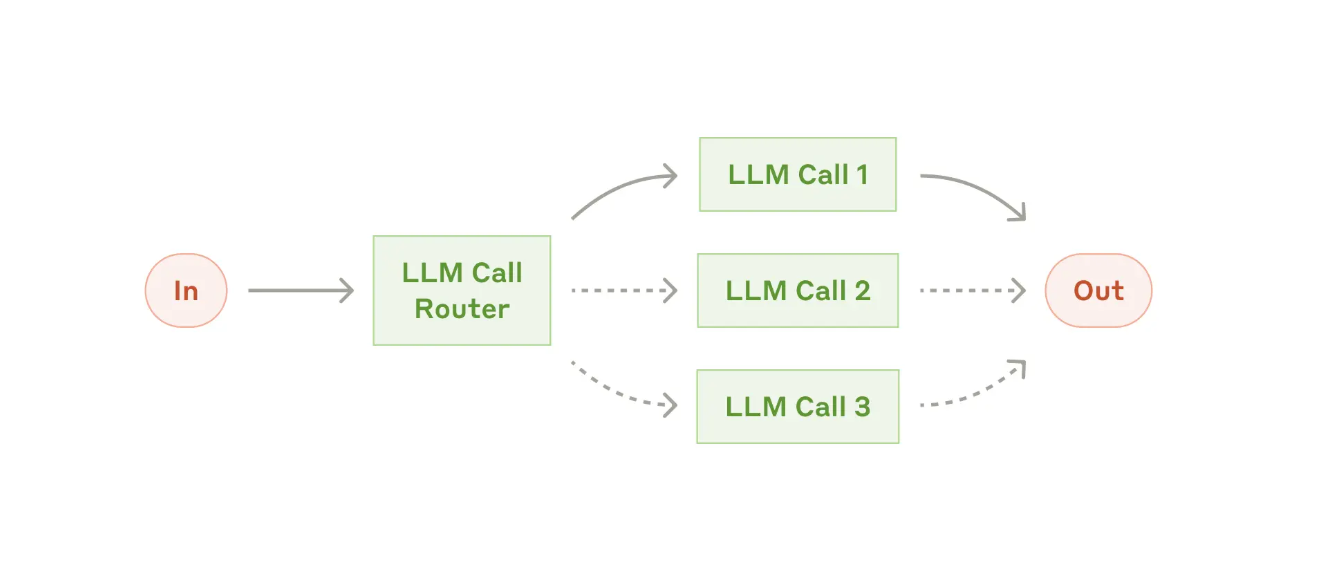
def write_file(content):
    """
    将指定内容写入本地文件。
    :param content: 必要参数,字符串类型,用于表示需要写入文档的具体内容。
    :return:是否成功写入
    """

    return "已成功写入本地文件。"
write_file(content="某地天气信息")
available_functions = {
    "get_weather": get_weather,
    "write_file": write_file
}
tools = [
    {
        "type": "function",
        "function":{
            'name': 'get_weather',
            'description': '查询即时天气函数,根据输入的城市名称,查询对应城市的实时天气,一次只能输入一个城市名称',
            'parameters': {
                'type': 'object',
                'properties': {
                    'loc': {
                        'description': "城市名称,注意,中国的城市需要用对应城市的英文名称代替,例如如果需要查询北京市天气,则loc参数需要输入'Beijing'",
                        'type': 'string'
                    }
                },
                'required': ['loc']
            }
        }
    },
    {
        "type": "function",
        "function":{
            'name': 'write_file',
            'description': '将指定内容写入本地文件。',
            'parameters': {
                'type': 'object',
                'properties': {
                    'content': {
                        'description': "用于表示需要写入文档的具体内容。",
                        'type': 'string'
                    }
                },
                'required': ['content']
            }
        }
    }
]
messages3=[
    {"role": "user", "content": "请问北京今天天气如何?请先查询天气信息,然后再把查询到的信息写入本地文档"}
]
response3 = client.chat.completions.create(
    model=MODEL,
    messages=messages3,
    tools=tools,
)
response3.choices[0].message
response3.choices[0].message.tool_calls
messages3 = create_function_response_messages(messages3, response3)
messages3
response3 = client.chat.completions.create(
    model=MODEL,
    messages=messages3,
    tools=tools,
)
response3.choices[0].message
response3.choices[0].message.tool_calls
response3.choices[0].finish_reason
messages3 = create_function_response_messages(messages3, response3)
messages3
response3 = client.chat.completions.create(
    model=MODEL,
    messages=messages3,
    tools=tools,
)
response3.choices[0].message
response3.choices[0].finish_reason